
AI Real Estate Video Generator: A Photographer's Workflow
A practical workflow for turning an approved listing photo set into property tours, vertical reels, captions, voiceover, and client-ready delivery.
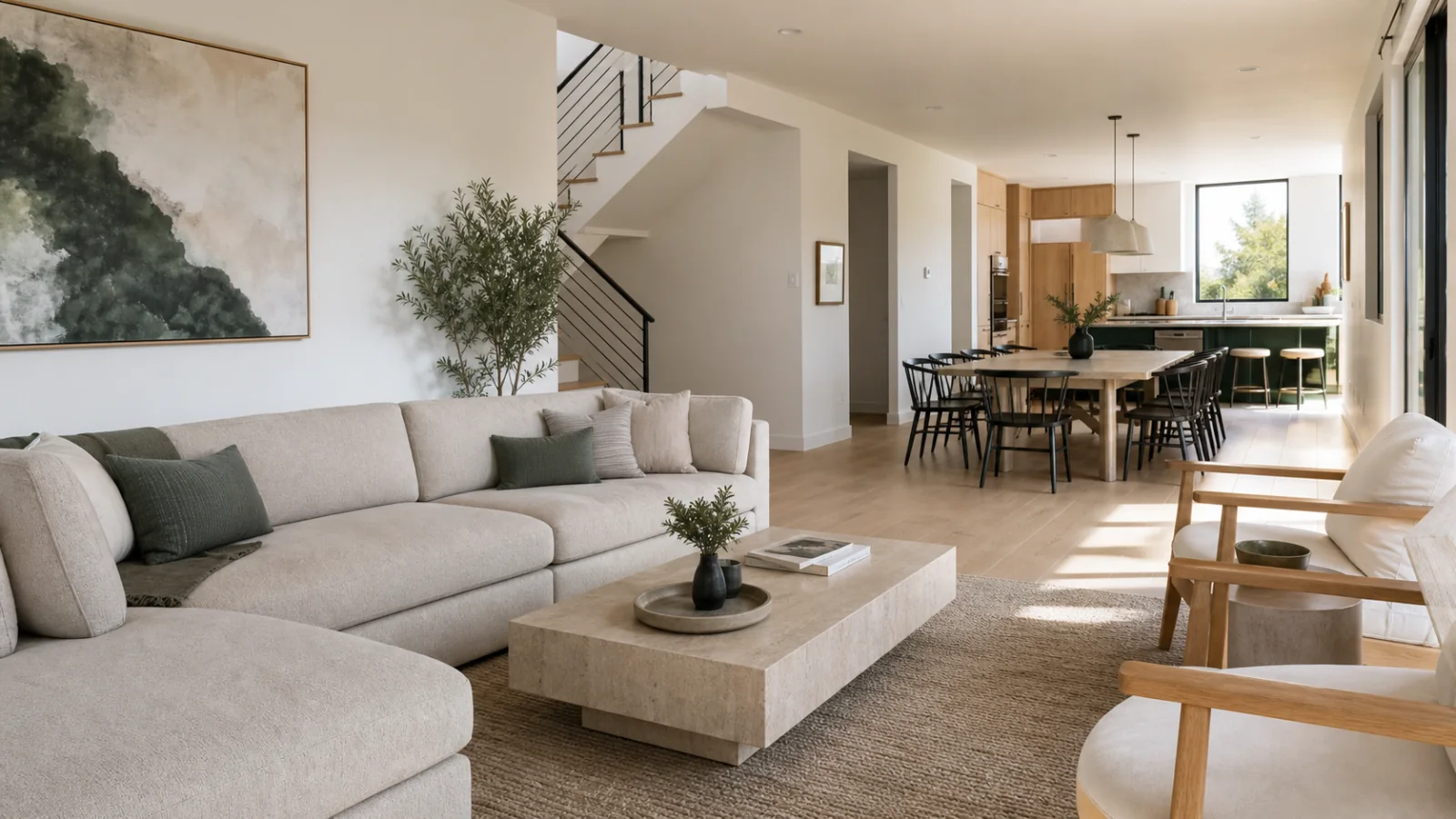
An AI real estate video generator is most useful when it fits the way a photography studio already works. The goal is not to replace the shoot or invent a different property. It is to turn the approved photos into several video deliverables without rebuilding the same timeline for every listing.
The strongest workflow starts after the photographer has completed the normal image edit and selected the frames that can be delivered to the agent.
1. Start with the final photo selects
Upload the finished images rather than every exposure from the camera card. Remove duplicates, test frames, bracketed source files, and any photograph that is not approved for marketing. A smaller, deliberate set gives the video a clearer story and reduces the chance that a weak frame receives too much screen time.
Before sequencing, check orientation, resolution, and visual consistency. Mixed white balance or unfinished retouching becomes more noticeable when adjacent images appear in motion.
2. Build a property story, not a slideshow
A useful sequence follows the way a buyer might understand the home:
- Establish the exterior or strongest opening view.
- Move through the main living spaces.
- Group bedrooms, bathrooms, and supporting rooms logically.
- Finish with outdoor space, location context, or a memorable closing frame.
The order should remain editable. Photographers and agents often know which room matters most for a particular listing, so automation should propose a sequence without taking away final control.
3. Use restrained motion by default
Simple pans, pushes, and crop changes can create pace without altering the property. Motion should respect vertical lines, room proportions, fixed fixtures, and the original composition. If a generative effect can introduce new visual information, it belongs behind a clear preview and approval step.
This distinction matters in property marketing. An energetic video is useful; a room that appears larger or structurally different from the listing is not.
4. Prepare every delivery format together
One source sequence can support several outputs:
- A 16:9 landscape property tour for websites and listing pages.
- A 9:16 vertical reel for Instagram, TikTok, and short-form channels.
- A 1:1 square cut for feeds and reusable social posts.
Each format still needs its own framing review. A safe landscape crop may hide a key feature in vertical video, so the focal point should be adjustable scene by scene.
5. Add approved facts, captions, and branding
Narration and captions should come from facts the agent has approved: bed and bath counts, location, named amenities, and other listing details. Avoid turning uncertain marketing language into a factual claim.
Save the agent's logo, colors, contact details, and preferred call to action as a reusable client kit. Consistent branding is one of the main reasons a studio can sell video as a repeatable service rather than a one-off editing job.
6. Review once, then deliver a complete pack
The final review should cover image order, crop, spelling, property facts, audio level, and brand details. Deliver clearly labeled files so the client can immediately tell which version belongs on a listing page and which belongs on social media.
The practical value of an AI real estate video generator is this repeatability. The photographer keeps control of the source photography and final approval while the system removes duplicated assembly work between formats.
A compact pre-export checklist
- Every frame is an approved final photograph.
- Room order matches the actual property.
- Motion preserves geometry and composition.
- Vertical and square crops keep the subject visible.
- Captions and voiceover use approved listing facts.
- Agent branding and contact details are current.
- Downloads are labeled for their intended channels.
When these checks are part of the workflow, video becomes a dependable studio product instead of an unpredictable post-production task.