
Property-Safe AI Real Estate Video: What Photographers Should Review
A review framework for keeping room geometry, approved listing facts, crops, motion, and agent branding accurate in AI-assisted property video.
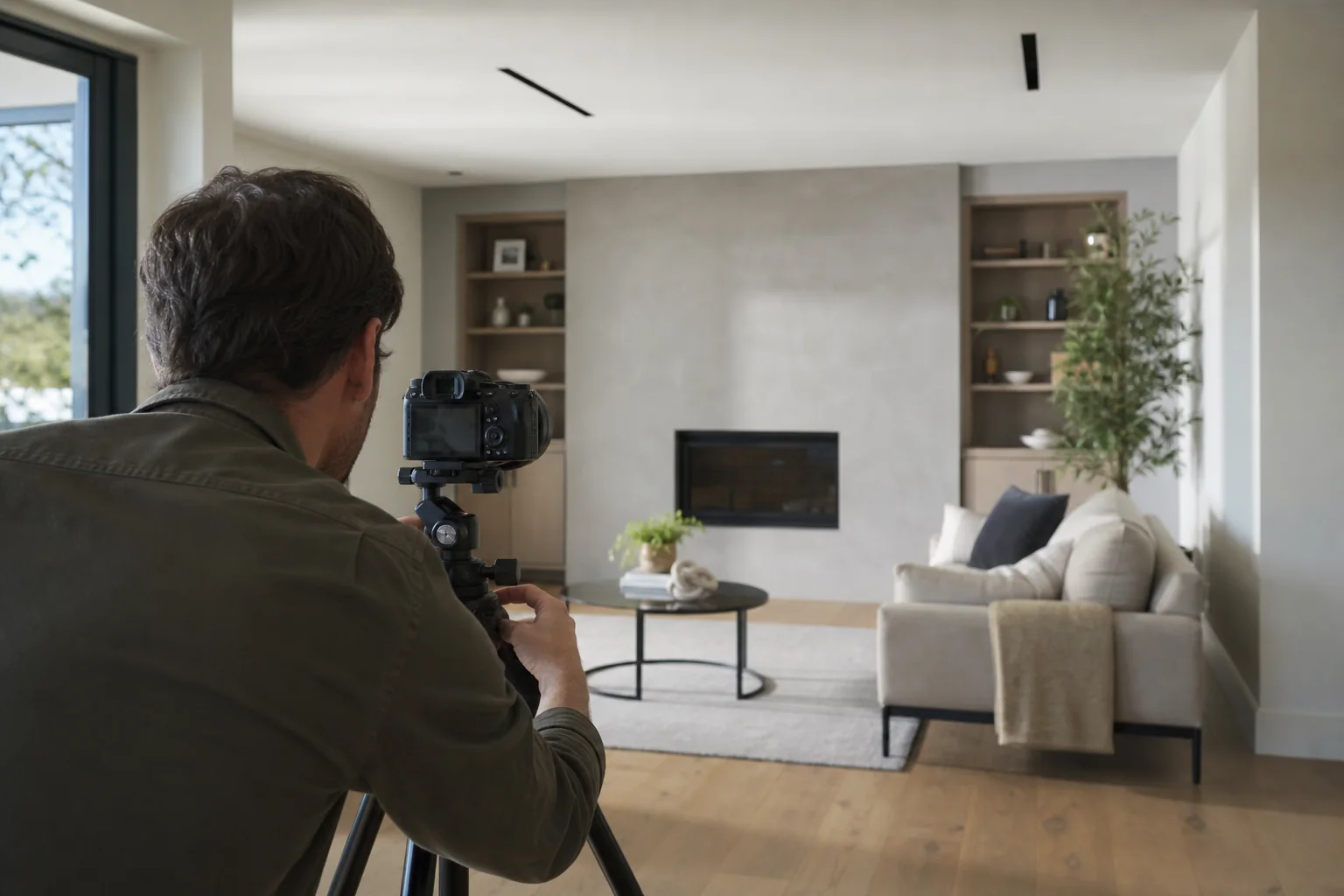
Real estate photography has a stricter accuracy standard than most promotional content. A visually impressive effect is not useful if it invents a doorway, moves a fixed appliance, stretches a room, or presents an unapproved claim as fact.
That is why an AI-assisted real estate video needs a property-safe review process. The system can reduce repetitive editing, but the photographer should remain responsible for what the final video communicates.
Preserve the original room geometry
Start by comparing each moving scene with its source photograph. Walls, windows, doors, cabinets, counters, fireplaces, and built-in fixtures should remain in the same positions. Watch the edge of the frame during pans and pushes: aggressive crop animation can make straight architecture feel distorted even when no new object has been generated.
Restrained motion is usually the safest default. A subtle push toward a focal point or a slow pan across a wide room can add energy without changing the property's meaning.
Separate editorial motion from generative motion
Editorial motion changes how an existing photograph is presented. It includes panning, zooming, reframing, transitions, timing, captions, and audio.
Generative motion may create pixels that were not present in the source. It can be appropriate for an explicitly stylized campaign, but it carries a higher review burden for a listing. The interface should identify these scenes clearly so the photographer can compare, approve, replace, or disable them before export.
Check every aspect ratio independently
A 16:9 room photograph often loses important context when cropped to 9:16. The vertical version may remove a window, hide the relationship between the kitchen and living room, or make a space feel narrower than it is.
Review focal points separately for landscape, vertical, and square exports. If a crop cannot preserve the essential composition, use a different source image rather than forcing the same frame into every format.
Keep narration tied to approved facts
Voiceover and captions should be generated from a controlled set of listing details. Bed and bath counts, square footage, address, school information, renovation dates, and named amenities all require an approved source.
Do not let the model infer a feature from the photograph. A visible door does not prove that a room is a bedroom, and a nearby view does not prove access or ownership. When a fact is missing, omit it or flag it for the agent instead of guessing.
Review branding as carefully as the property
The wrong phone number, outdated headshot, or previous agent's logo can create the same client problem as an inaccurate room. Save branding per client, label it clearly, and show the selected brand kit in the final review screen.
White-label delivery should also keep the photography studio visible where intended and avoid adding a software vendor badge to client-facing exports.
Use a human approval gate
Before delivery, one person should review the complete video at normal speed and then inspect any flagged scenes frame by frame. A useful approval checklist includes:
- Source image and scene order.
- Room geometry and fixed fixtures.
- Crop in every output ratio.
- Spelling, numbers, and pronunciation.
- Music and voice levels.
- Agent logo, colors, and contact details.
- Final file labels and download permissions.
AI can accelerate assembly, but accuracy remains a professional service. A property-safe workflow makes that responsibility visible and repeatable, which is exactly what a photography studio needs when video becomes part of every listing package.